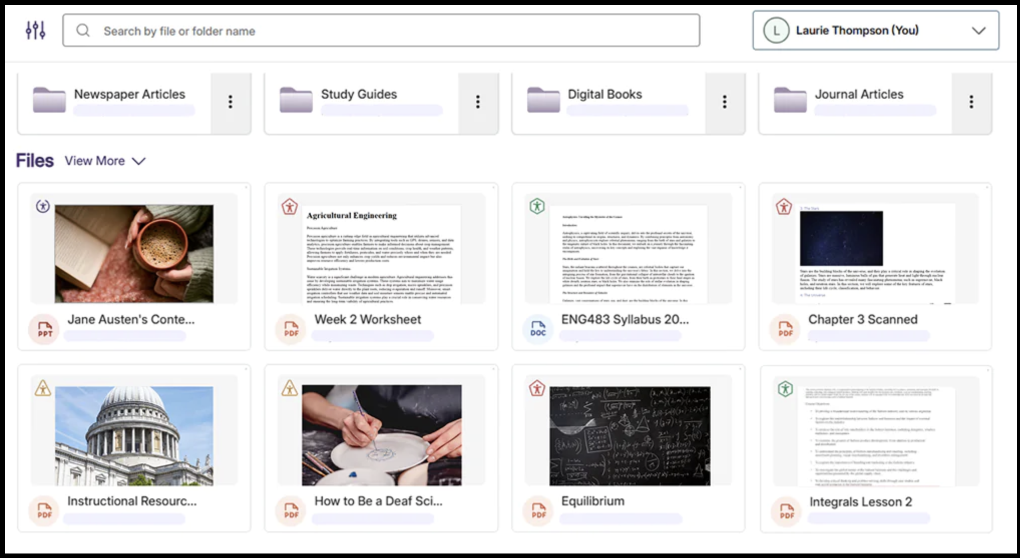
DocHub For Everyone
DocHub is an accessibility remediation tool available to all members of the LMU community, including staff, students, and faculty. It is a fully supported tool that you are encouraged to use it to improve the user-friendliness and quality of equity of your documents, for the benefit of all users.
DocHub Training

Revisit this recording to learn the ways DocHub helps you address accessibility issues in digital documents and make them usable by everyone.
Play VideoGetting Started
First Steps
Open a web browser and visit lmu.panorama.yuja.com, then sign in via SSO using your LMU or LLS credentials.
Familiarize yourself with the dashboard interface and begin using for your purposes. DocHub itself is accessible, meaning it is designed to be used by anyone, so it responds to keyboard commands and assistive reading devices.
Next Steps
Use the functionality to perform intended tasks:
- Upload Files
- Create Folders
- Search and Filter
- Share and Collaborate
- Version History
- Guided Remediation
DocHub Interface
Here's what to expect when you load up DocHub.