Instructional Technology Workshops
Hands-on sessions and informative discussions about innovation and pedagogy
-1024x576.jpeg)
Join us for regularly scheduled sessions in support of teaching and learning. We welcome participation from instructors and also academic support personnel, including teaching assistants, research assistants, instructional designers, departmental admins, and more.
Workshop Types
Synchronous Learning
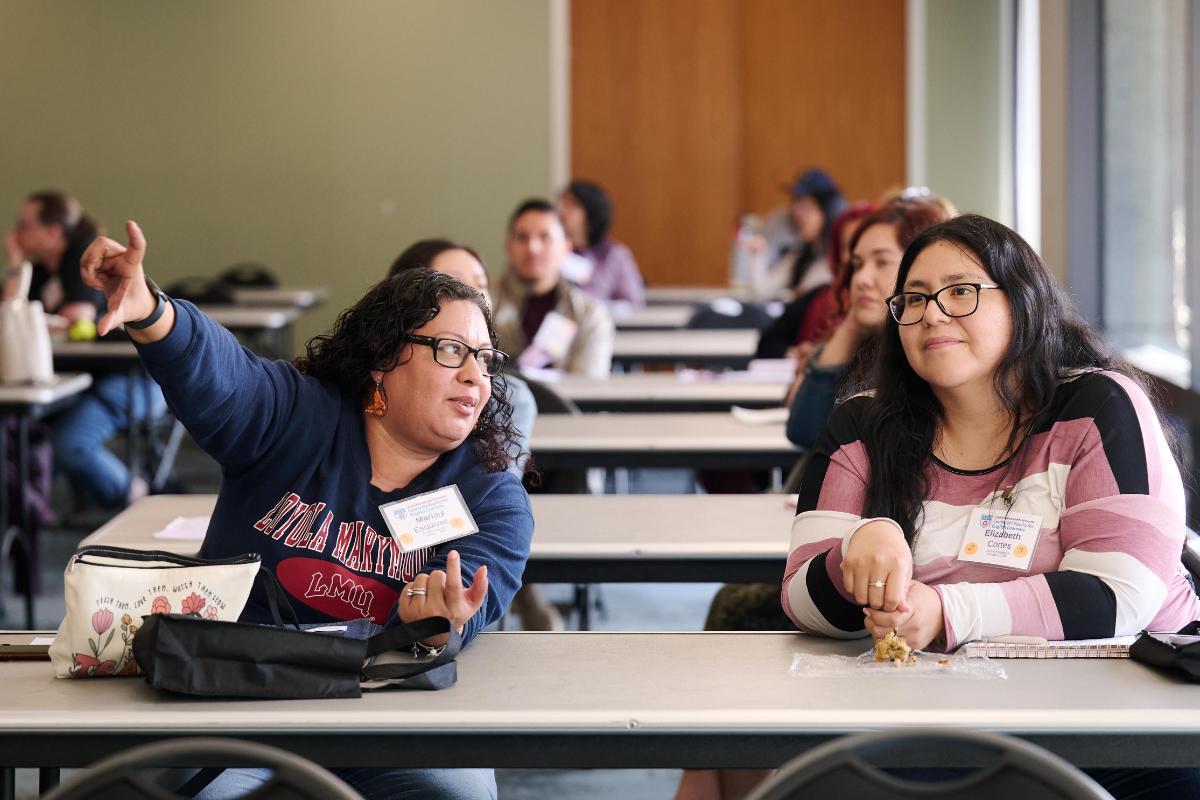
In-person sessions help you learn about our solutions in a group setting, benefitting from discussions and hands-on demos, typically during Community Hour.
Virtual sessions are ideal for remote participants who learn by observing or for people with scheduling constraints.
Drop-in sessions are an opportunity to speak directly to experts and engage in person-to-person problem-solving.
Asynchronous Learning
Our self-paced offerings let you learn the material on your own schedule using on-demand features in our videos and resource guides.
Self-paced resources include Instructional Modules that we've created as well as course paths we recommend from LinkedIn Learning.
Workshop Topics

Accessibility Remediation with Panorama
Ensure your learning material is available equitably to your students by prioritizing accessibility. Our Digital Accessibility workshops cover the standards that are required by law as well as the best practices of universal, inclusive, and equitable instructional design. We also cover the ins and outs of Panorama, a solution specifically developed to help you correct the issues it detects in your content. Join these workshops for effective ways to improve the technical quality of your courses.
-1200x800.jpeg)
Active and Interactive Learning
Explore teaching methods that help you boost engagement in your course and meet measurable outcomes. These workshops cover a variety of practices that you can incorporate into everyday teaching and learning as well as tools such as Creator Plus, H5P, StoryMaps, Peerceptiv and more, that you can integrate to increase participation among your students.
Brightspace and Ed Tech
Learn the basics of the mainstay applications and integrations we offer in support of teaching and learning. These workshops cover the best ed tech tools available in LMU's learning environment, including Brightspace. We also cover strategic considerations and best ways to leverage each solution throughout every stage of the semester.
Learning Innovation
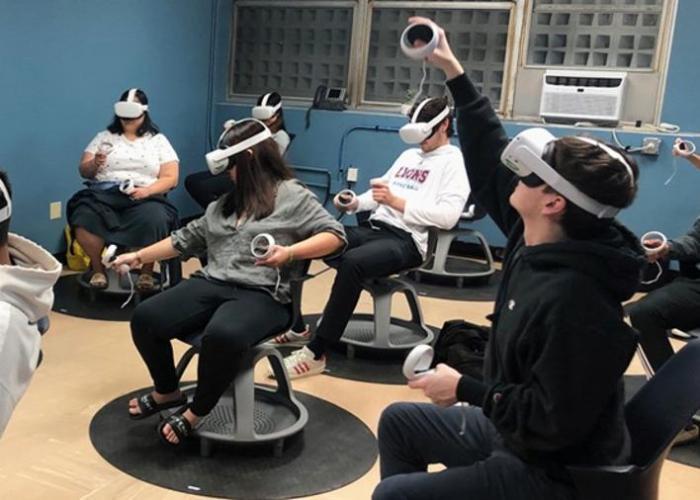
Incorporate creative approaches to teaching and learning with workshops specially designed to introduce your students to emerging technology and disruptive innovation. Participants get the opportunity to explore devices hands-on and experiment with state-of-the-art systems in sessions that emphasize collaboration.