Make Courses Accessible with Panorama
Here to Help
Panorama is the remediation tool that LMU provides in Brightspace. It gives faculty guidance to address issues in their learning material. It gives students the learning material in a variety of formats that suit their needs and circumstances.
Attend a Training
| Day | Date | Time | Mode | Link |
|---|---|---|---|---|
| Tue | 10/20 | 12pm | In-person | Register |
| Fri | 10/23 | 12pm | Zoom | Register |
Visit Yuja's events web page for upcoming webinars direct from the source.
Help Guides for Common File Types
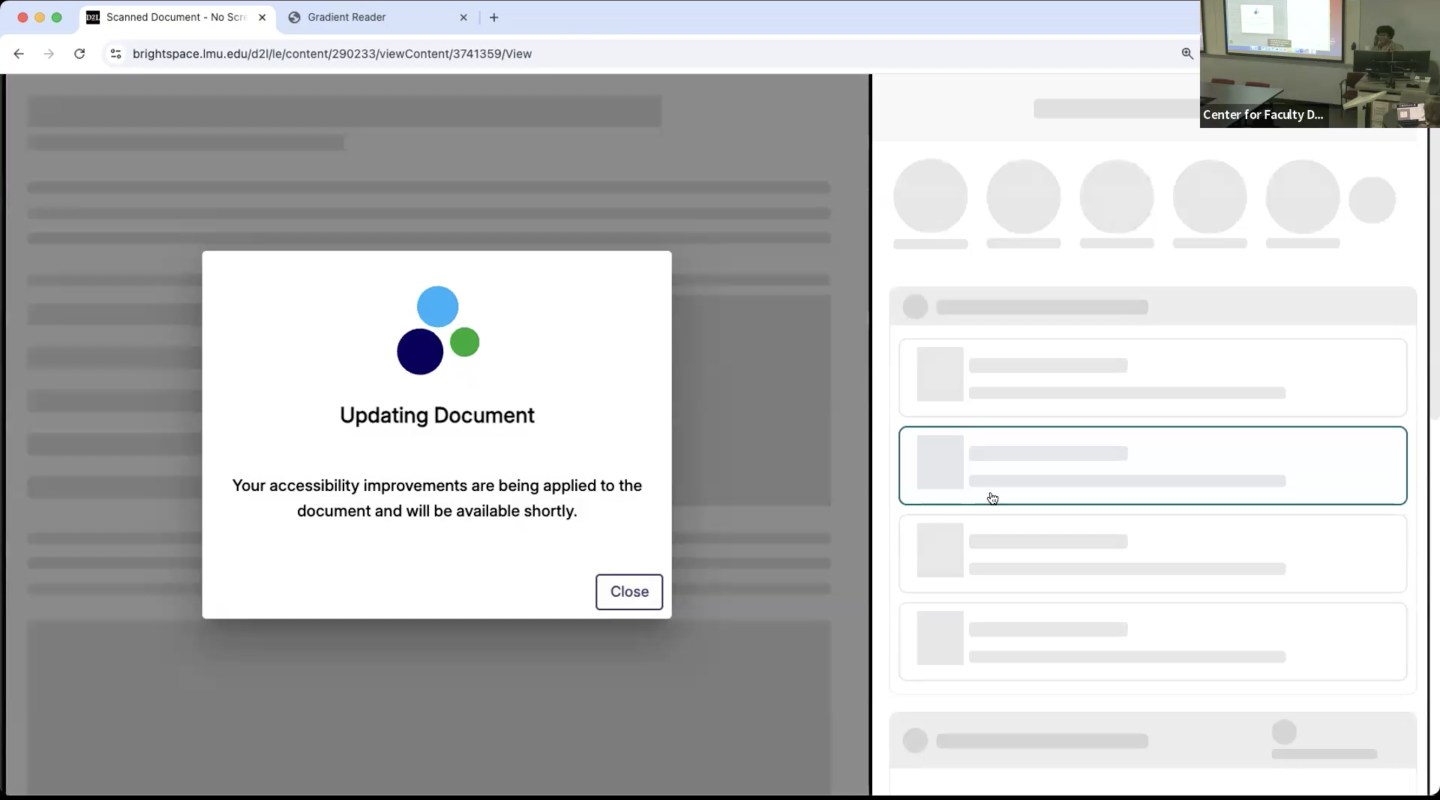
Workshop Video
Revisit this Fall 2025 introduction of Panorama at LMU's Center for Faculty Development.
Play VideoFull Reference Guide
What You Should Know
Panorama gives step-by-step recommendations and real-time guidance on how to correct issues with common file types, such as PDFs, Word documents, PowerPoint slides, and digital images. While it provides diagnostics and suggestions, it does not replace human judgment. It acts as your accessibility assistant, while you control which fixes to prioritize and when.
What You Can Do
Use Panorama's adjustment tools to make corrections to any parts of your course content that it flags, to bring all of your learning material up to the standards of Digital Accessibility compliance. Refer to the Getting Started guide for best ways to begin using Panorama.
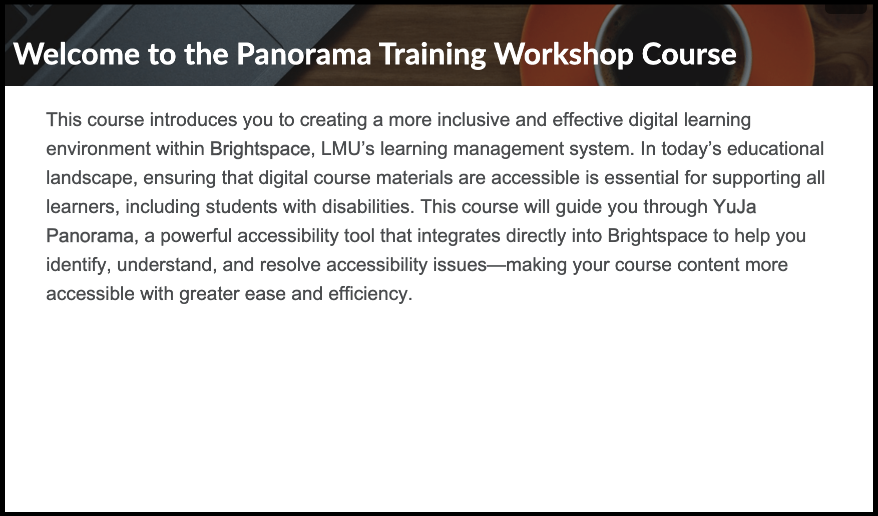
Live Demo
Visit the Training Course for a working example of Panorama in action. Get familiar with what it allows you to do in the Brightspace environment.
VisitMore Ways to Get Help
Reach the Service Desk
Contact ITS to ask a question or to request individualized assistance.
Submit a TicketVisit the Knowledge Base
Use the self-service resources to find the information you're looking for.
Visit the Knowledge BaseVisit the Faculty Hub
Learn about accessibility from the resources of the Faculty Hub.
Visit the Faculty HubLooking for Doc Hub?
Get the tool that makes accessibility remediation possible for everyone.
Learn About Doc Hub?Benefits to Faculty
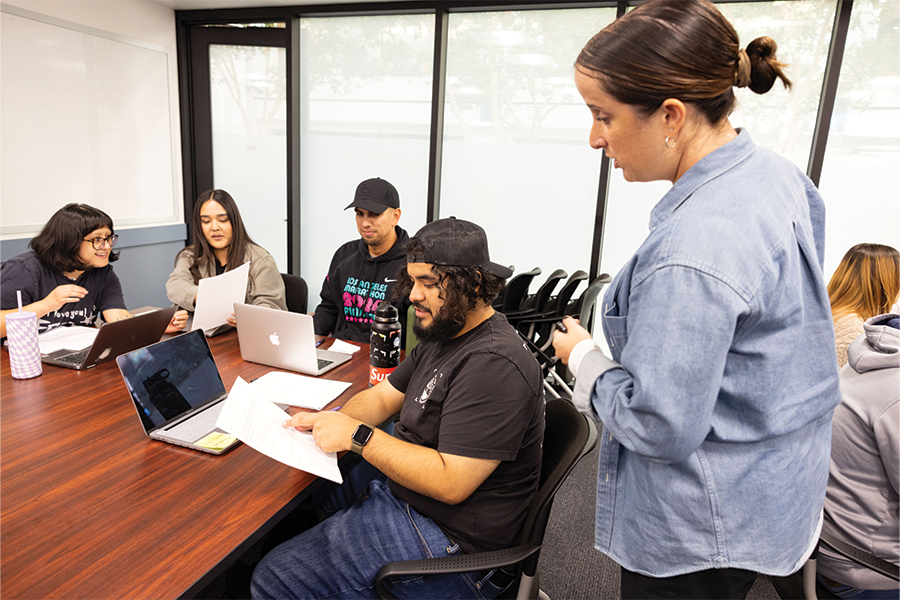
To ensure content meets accessibility standards:
- Batch corrections with auto-fix
- Edit-in-place to correct as you go
- Choose which formats to show or hide
- Evaluate full course, or file-by-file
- Privately view reports and analytics
Benefits to Students
-1200x800.jpg)
Students can convert learning content into their preferred format, plus:
- Adjust fonts, text size, and color contrast
- Convert text to read-aloud audio
- Use distraction-free features for focused reading
- Leverage visual, auditory, and cognitive preferences