Safeguarding Data: Simple Choices That Make a Big Difference
When working with research data, as an LMU employee you play an important role as data stewards. The way data is stored and shared directly affects research participants, collaborators, and the university — and small, thoughtful decisions can significantly reduce risk.
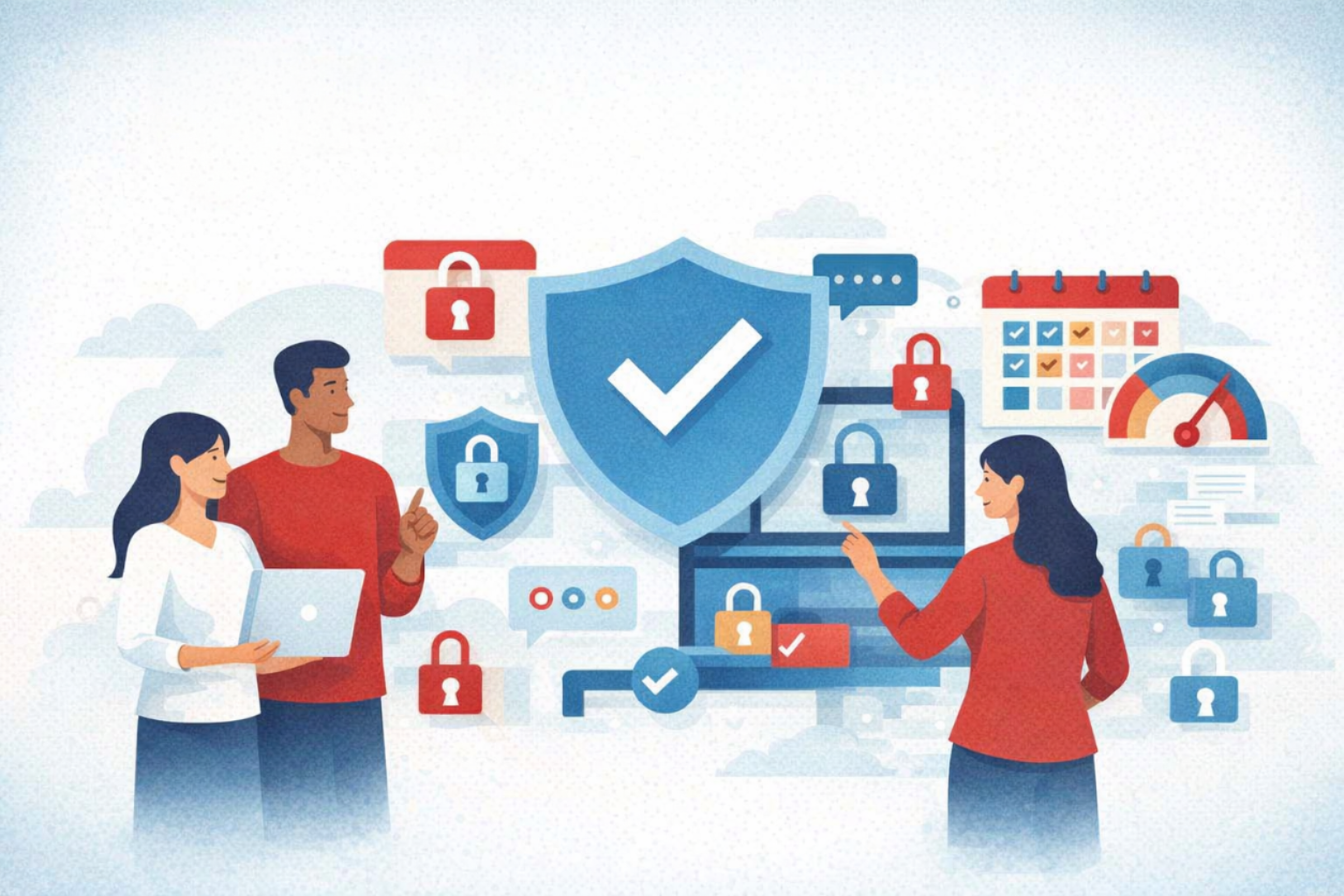
Before storing or sharing research data, it helps to pause and consider:
- How sensitive the data is (such as personal, confidential, or regulated information)
- Who truly needs access to do their work
- How long the data must be kept
- Whether the data will be shared with external tools, vendors, or collaborators
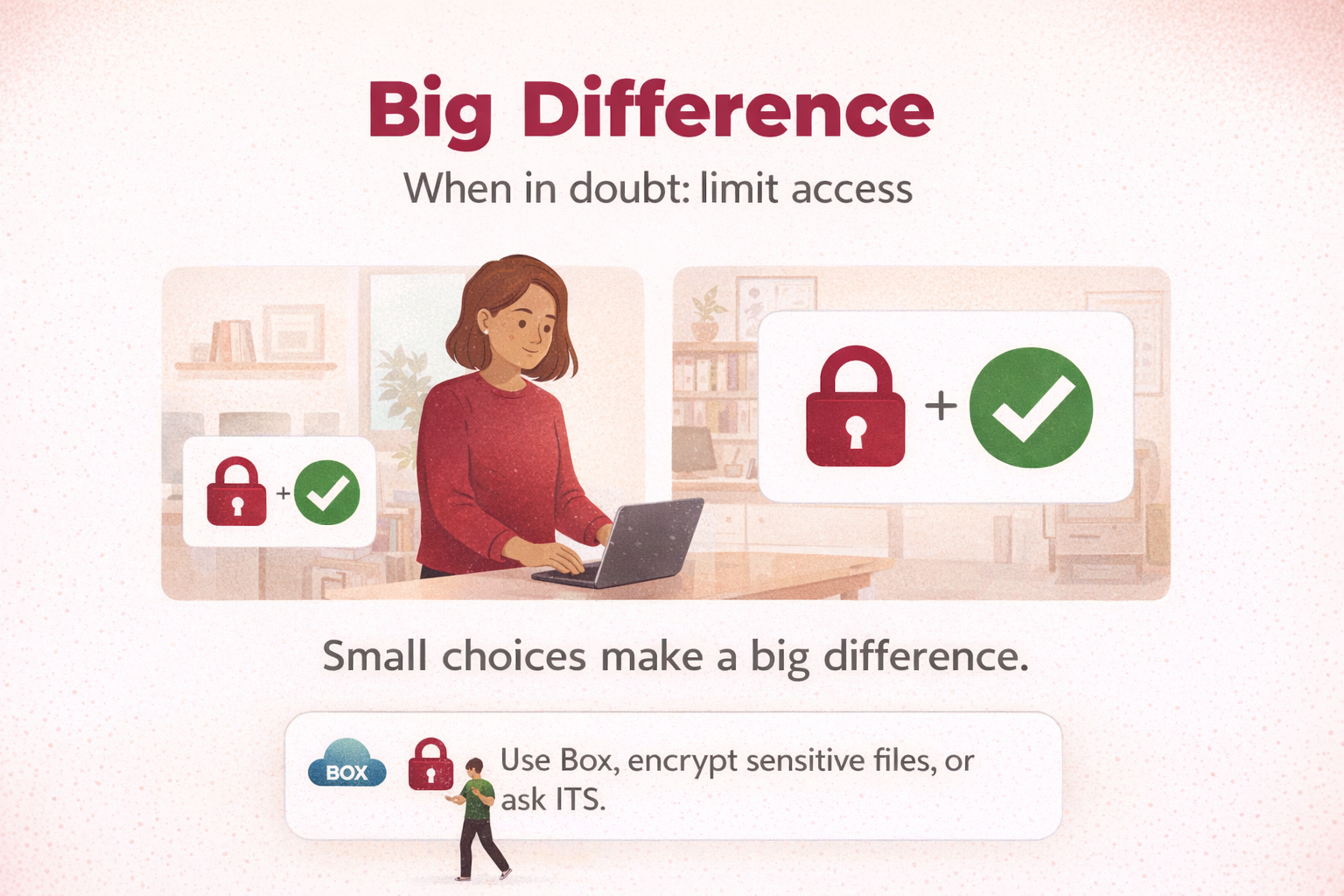
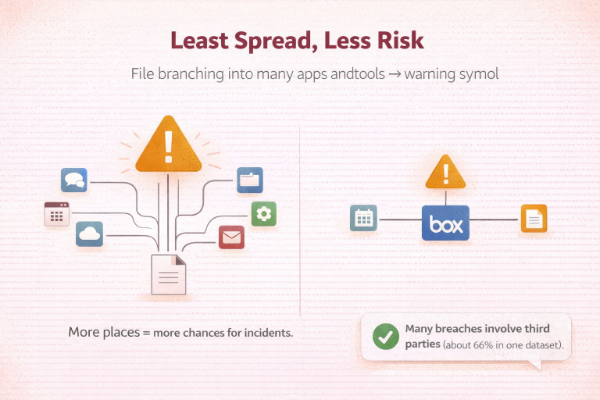
Keeping data in fewer, well‑protected places — and limiting access to only those who need it — helps protect participants and reduces exposure if a system is ever compromised. Even trusted vendors experience security incidents, and risk increases each time data is copied or shared elsewhere.
Choosing the Right Tools Makes this Easier:
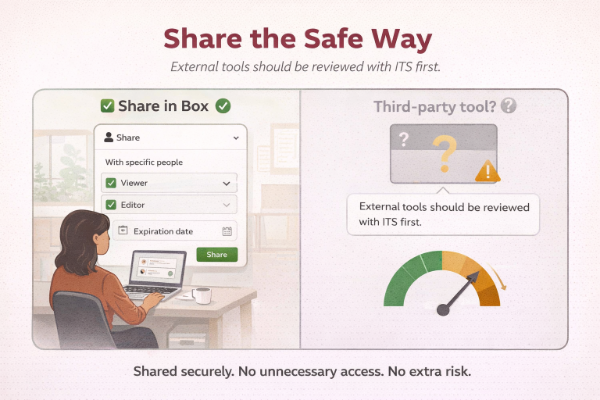
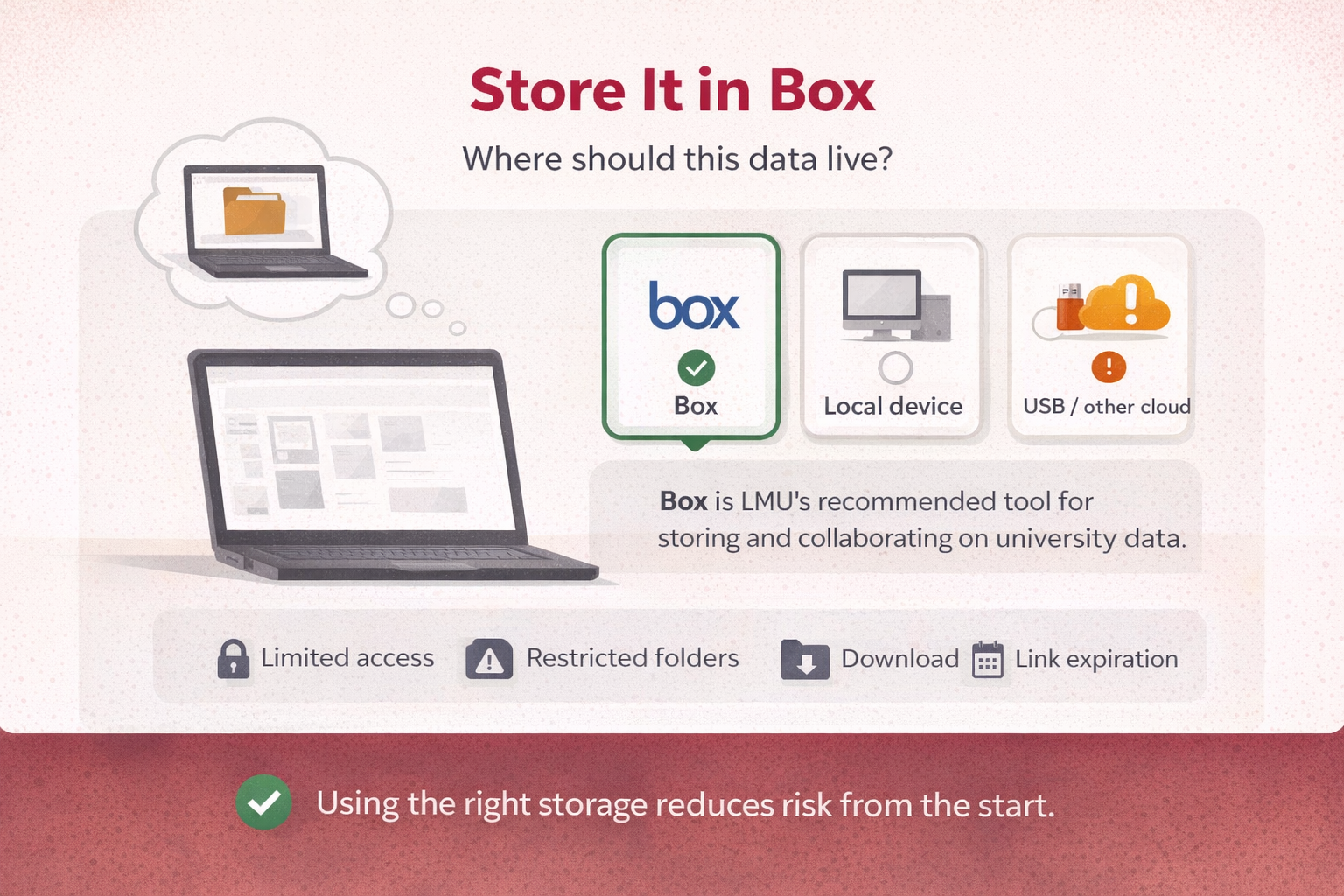
- Box is the university‑recommended platform for research data storage and collaboration. It makes it easy to manage access, restrict downloads, and set expiration dates on shared links — all within a secure, institution‑supported environment.
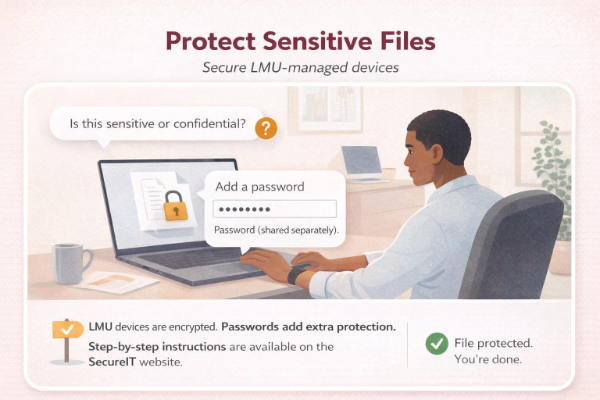
- LMU‑managed devices are encrypted by default and can be used for limited or temporary local storage when necessary. For highly sensitive data, adding file‑level encryption with a password provides an extra layer of protection in case a device is lost or accessed by someone else.
- External drives and third‑party storage services (such as personal cloud accounts) introduce additional risk and should be reviewed with ITS before use.
Small Steps to Secure Your Data
Common Mistakes to Avoid
- Storing research data in personal Google Drive/Dropbox
- Sharing open Box links without expiration dates
- Keeping sensitive files unencrypted on laptops long‑term
- Using external drives without ITS review